Work-From-Home Ergonomics on a Budget
16 February 2026 · 7 min read · Reviewed by Dr. Atharva Narvekar (PT)
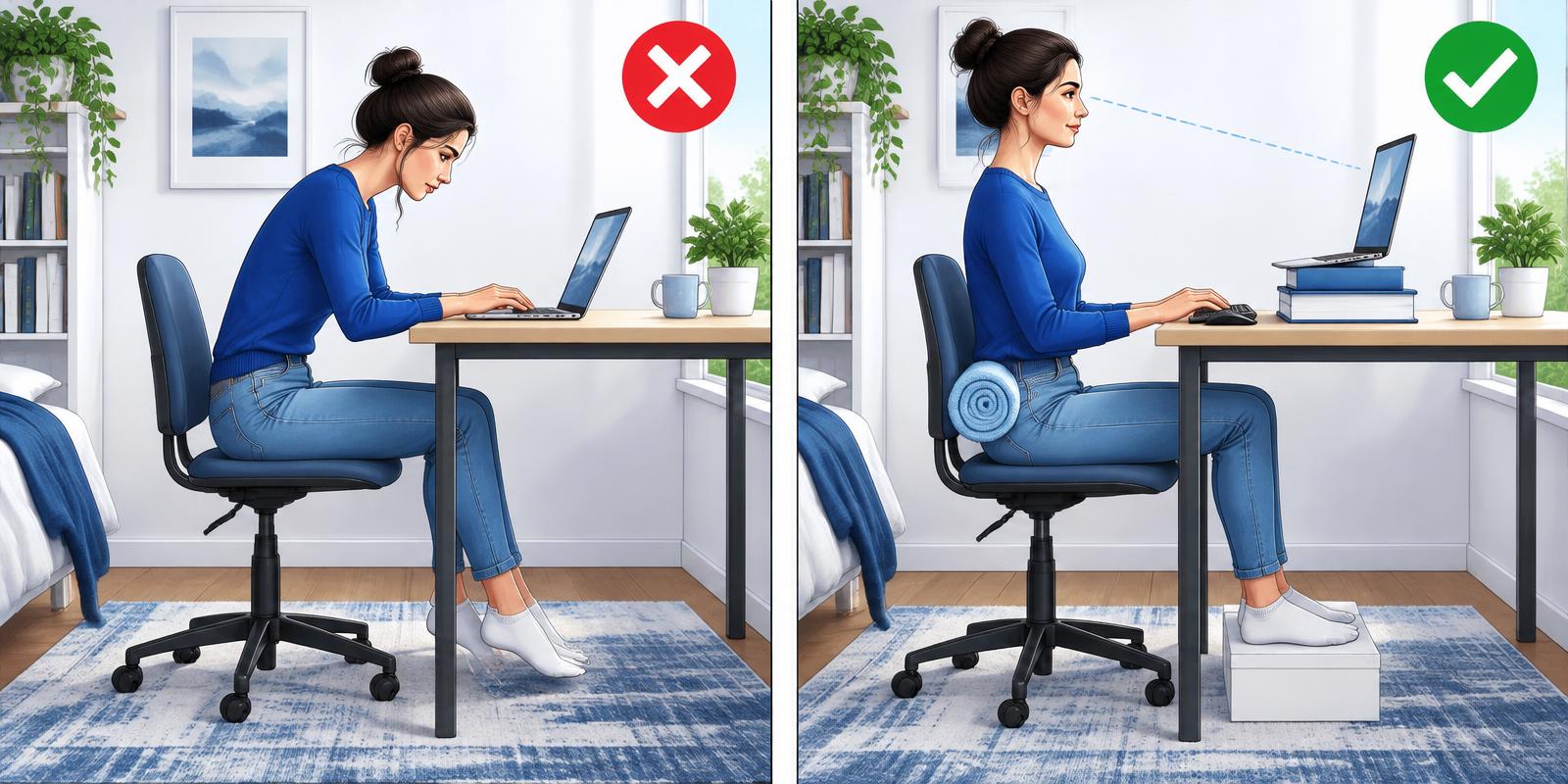
A stack of books, a cushion and a kitchen chair can beat an expensive setup used badly.
Fix the screen and input first
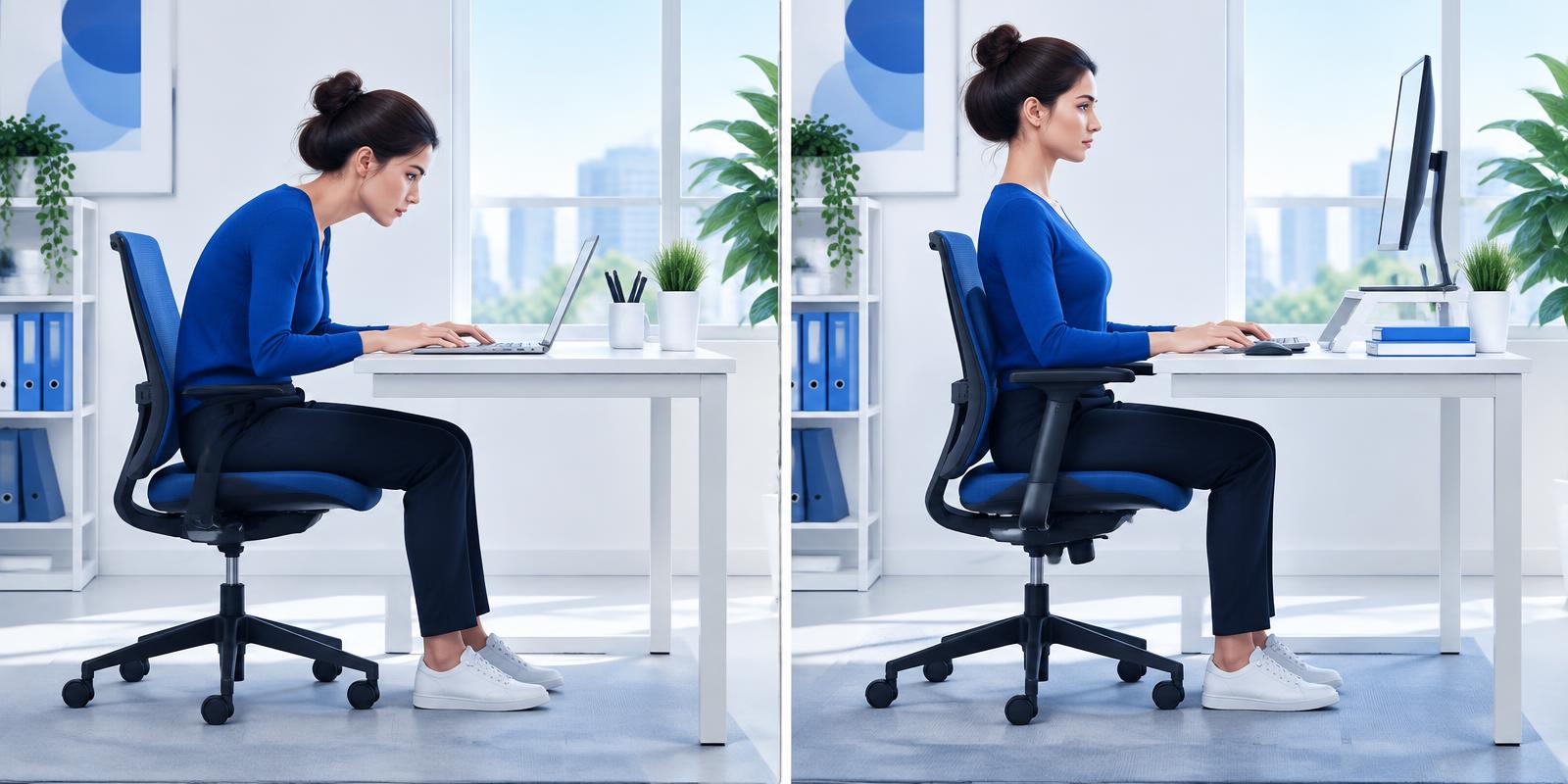
Raise the laptop on stable books so the screen’s upper area is near eye level, then use a separate keyboard and mouse. Keep them close enough that the elbows remain near the body.
Place the screen approximately an arm’s length away and adjust font size rather than leaning forward. Reduce glare by positioning the screen across—not directly in front of—a bright window.
Support the rest of the body
Sit back in the chair and place a rolled towel at the lower back if it improves comfort. If the feet do not reach the floor, use a stable box. Avoid perching on an unstable stack.
Phone calls can become standing or walking breaks. Frequently used objects should stay within easy reach.
- Stable chair and work surface
- Forearms lightly supported
- Feet on floor or firm box
- Screen centred for single-screen work
Movement is part of ergonomics
No setup removes the need to move. A brief change every 30 to 45 minutes can reduce sustained load and refresh concentration.
Alternate focused sitting with standing, walking and non-screen tasks. The best schedule is one you can maintain during a real working day.
This article is for general education and does not replace an individual examination or medical diagnosis.
Need help with this problem?
Book an online consultation or a home visit with Dr. Atharva Narvekar (PT).
Book Appointment